
1Password Adds Copy-Paste Phishing Protection to Warn on Credential Entry to Lookalike Sites
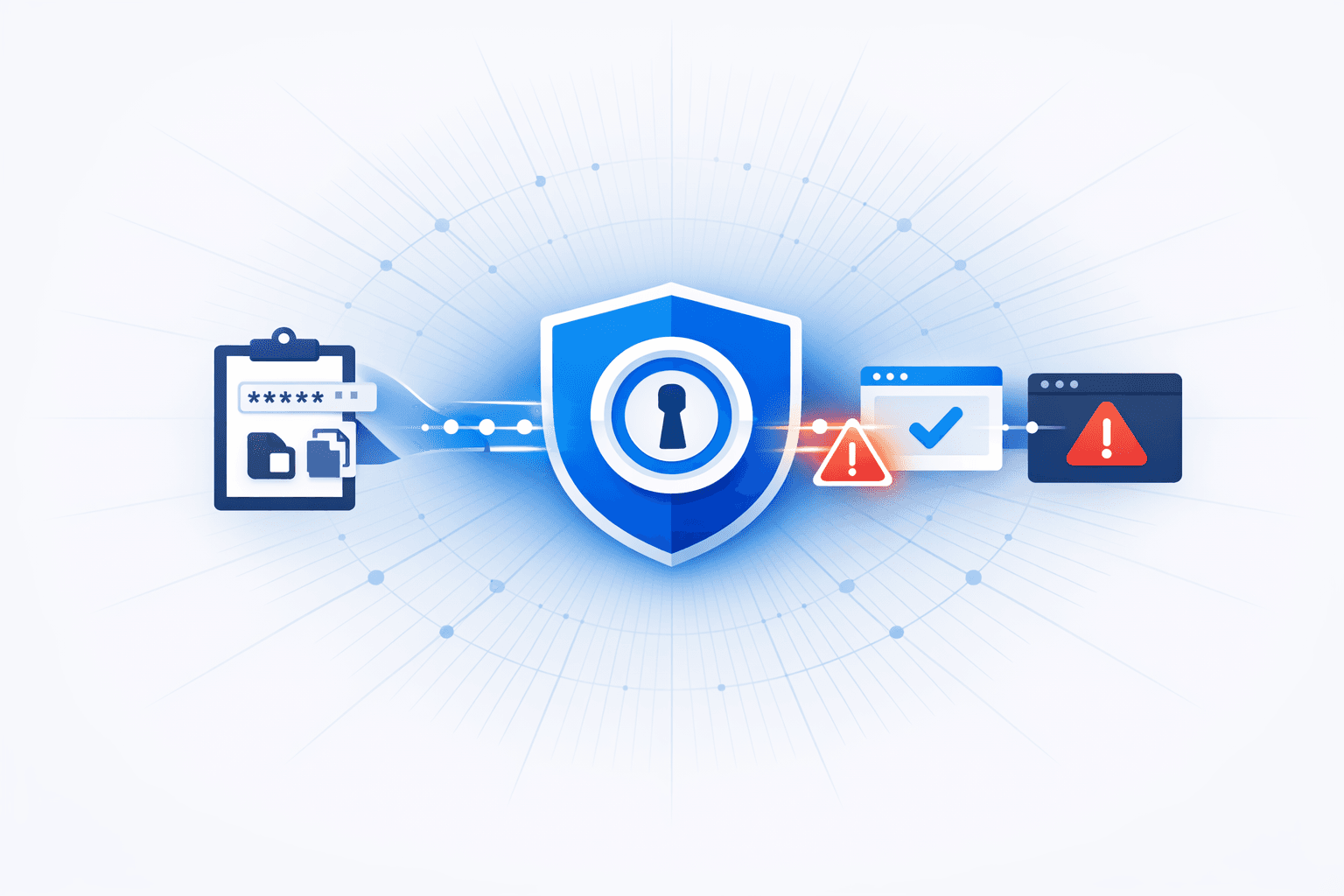
1Password introduced a new phishing protection capability aimed at stopping users from entering credentials into fraudulent lookalike sites, particularly when users bypass autofill and instead copy/paste passwords. The feature checks whether the site a user is interacting with matches the saved login’s expected URL; if it does not, 1Password can warn the user before credentials are submitted, adding deliberate friction to reduce “momentary lapse” credential theft.
Reporting highlights that phishing kits and AI-assisted site creation are making realistic fake login pages easier to produce at scale, increasing the likelihood of users being tricked into credential entry. 1Password’s approach is to detect URL mismatches (e.g., typosquatted domains) and present an explicit warning/confirmation step when a user attempts to paste credentials into a site that doesn’t align with the vault record; pairing this with multi-factor authentication (MFA) is recommended to further reduce account takeover risk.
Timeline
Jan 26, 2026
1Password details rollout and admin controls for the new feature
1Password said the protection is planned to be enabled by default for individual and family users when released. For enterprise environments, administrators must turn it on through the Authentication Policy in the 1Password management console.
Jan 26, 2026
1Password announces anti-phishing paste/autofill protection
1Password announced a new security layer that checks whether a website’s URL matches the saved login record before allowing autofill or credential pasting. If the domain does not match, the product blocks autofill and shows a warning requiring explicit user confirmation before credentials can be pasted.
See the full picture in Mallory
Mallory subscribers get deeper analysis on every story, including:
Who’s affected and how
Deep-dive technical analysis
Actionable next steps for your team
IPs, domains, hashes, and more
Ask questions and take action on every story
Filter by topic, classification, timeframe
Get matching stories delivered automatically
Related Entities
Affected Products
Sources
Related Stories
Security Risks From Phishing URLs and Long-Lived SMS “One-Time” Links
*1Password* introduced a new anti-phishing UX control that displays **pop-up warnings** when users land on suspected phishing or typosquatted domains, addressing a gap where users might manually type credentials even when the password manager refuses to autofill due to a URL mismatch. The feature is enabled by default for *Individual* and *Family* plans, while enterprise admins can enable it via **Authentication Policies** in the 1Password admin console. Separate academic/industry research highlighted systemic exposure risks from **SMS-delivered “one-time” links** that do not expire, enabling personal data access long after delivery. The study assembled a dataset from public SMS gateways (over **33M messages**, **323K unique URLs**, and **10.9K+ domains**) to analyze how SMS link design choices can leak data over time; the article also notes broader threat trends where attackers increasingly use **malicious URLs via SMS (smishing)** and large-scale domain churn/brand impersonation to drive credential theft and fraud.
1 months ago
1Password Secure Agentic Autofill Protects Credentials from AI Browser Agents
1Password has introduced a new security feature called Secure Agentic Autofill, designed to address the growing risks associated with AI-powered browser agents in enterprise environments. As organizations increasingly rely on agentic browsers—browsers that use artificial intelligence agents to automate tasks—new authentication challenges have emerged, particularly the risk of credential leakage. AI browser agents, while efficient at automating repetitive tasks such as form filling, appointment scheduling, and online purchases, often store sensitive credentials and secrets in browser session storage or cookies, which are frequently unencrypted and vulnerable to attack. Attackers have begun to exploit these weaknesses, recognizing that more enterprise work is conducted within browsers, thereby increasing the attack surface. To mitigate these risks, 1Password has partnered with Browserbase to launch Secure Agentic Autofill, a capability that allows AI agents to authenticate in browsers without exposing user credentials. This feature incorporates a human-in-the-loop approach, ensuring that sensitive authentication processes remain under user control and oversight. The solution aims to provide enterprises with greater visibility, control, and governance over how AI agents access internal systems and sensitive data. Nancy Wang, SVP of engineering at 1Password, emphasized that Secure Agentic Autofill is designed to solve the pressing issues of credential exposure and unauthorized access by keeping humans involved in the authentication loop. The feature is particularly relevant as a new generation of agentic browsers, such as Perplexity’s Comet and Opera Neon, gain popularity and are integrated into enterprise workflows. By preventing AI agents from directly accessing or storing credentials, 1Password’s solution reduces the risk of credential theft and subsequent breaches. The integration with Browserbase further enhances the security posture by ensuring that only authorized agents, under human supervision, can perform sensitive operations. This development reflects a broader industry trend of addressing the security implications of AI-driven automation in the workplace. Enterprises adopting AI browser agents are encouraged to implement solutions like Secure Agentic Autofill to maintain robust authentication security. The launch of this feature demonstrates 1Password’s commitment to proactively addressing emerging threats in the evolving landscape of identity and access management. As AI agents become more prevalent, the need for secure, user-controlled authentication mechanisms will continue to grow. 1Password’s Secure Agentic Autofill sets a new standard for protecting credentials in environments where AI automation is increasingly common. The feature is expected to help organizations balance the benefits of AI-driven productivity with the imperative of maintaining strong security controls. By keeping a human in the loop, 1Password ensures that enterprises can safely leverage AI agents without compromising sensitive information.
1 months ago
Phishing-as-a-Service 'Sneaky 2FA' Kit Enables Browser-in-the-Browser Credential Theft
Threat actors are leveraging a Phishing-as-a-Service (PhaaS) kit called **Sneaky 2FA** to deploy advanced Browser-in-the-Browser (BitB) phishing attacks. This kit allows attackers to create highly convincing fake browser pop-up windows that closely mimic legitimate sign-in prompts, including a forged address bar displaying authentic-looking URLs. The technique is designed to deceive users into entering their credentials, which are then exfiltrated to the attacker. Security researchers have observed these attacks targeting Microsoft account credentials, with the kit's obfuscated code and anti-analysis features making detection and mitigation more challenging. The Sneaky 2FA kit is available on criminal marketplaces, enabling even less-skilled threat actors to launch sophisticated phishing campaigns at scale. Attackers often use additional evasion tactics, such as bot protection checks (e.g., Cloudflare Turnstile) and CAPTCHAs, to filter out automated security tools before presenting the fake login window to real users. Experts recommend using password managers, which can help detect these fake forms by refusing to autofill credentials on non-legitimate login pages, as a key defense against such deceptive phishing techniques.
1 months ago